I am in love with this rig. iPad Air with the Wacom Intuos Creative Stylus. Check out the reivew and mod video:
 |
| Wacom Creative Stylus with Teflon tip. Still fits in the case! |
An official Wacom rep on the European Wacom forums, confirming that the new iPad Air does have different hardware, making the stylus lack the ultra low pressure feel: http://forum.wacom.eu/viewtopic.php?f=2&t=16265&start=10 Wacom sez "It seems that the iPad Air touch sensor is a bit different than in previous iPads. Reports say that the glass is thinner (less layers) and probably there is a difference in the power to the touch sensor. This can require some more pressure with the pen to get any reaction independant of the Bluetooth connection"
 |
| Mod with JaJa Teflon tip |
So when I saw that post, I thought of using a non rubber tip, perhaps one of the disc types. When I started digging around to see if it's been done, I found this: http://procreate.si/forums/index.php?topic=2910.0 and sure enough, I tried it and it worked great. Thanks Germs770 on the Procreate forums for sharing! I've improved how it's attached on, but credit goes out to him for the first to try it. Funny enough, I think maybe Wacom may have had something like this in mind? The tip has a hole it it, and the case has extra space for it as well. It's almost like it's made for it!
And for the record, I did try the stock nib on the iPad 4th generation, and can confirm that the low pressure feel works great. And even with the lack of low pressure feel on the Air, I'd still recommend it for the Air.
One thing that I did forget to mention, is that there are 2 buttons on the stylus. For Procreate, they are for Undo and Redo. I did find that I hit the bottom button often by accident, while pinch zooming..... Strange, because I never do it on the Cintiq while pinch zooming, and the pen feels nicely balanced. I guess I'll probably get used to it with time.
 Supplies list in the video:
The palm rejection pads used are: Targus CleanVu Cleaning Pads
The disc tips are: Hex3 JaJa Percision Teflon Tips
The plastic thermal plastics are: Shapelock
And as promised, here are my pencils to use with Wacom Intuos Creative Stylus:
https://www.dropbox.com/s/x46ipovenmf6n5v/All%20purpose.brush
All Purpose is the one that I use the most. I spent way too much time tweaking with it, to make it look and feel like a pencil:
https://www.dropbox.com/s/mwia3vpv753gul3/Solid.brush
Solid is one that lacks texture, and looks more digital and clean. It's good in conjunction with All Purpose pencil as well, to punch up the details.
https://www.dropbox.com/s/m6v9yg9gu420bjy/Shading%20Graphite.brush
Shading Graphite is just a modified version of the stock. I've modified it slightly to make it feel more natural.
Procreate forums also has a lot of really great custom brushes here: http://procreate.si/forums/index.php?board=20.0 and has instructions on how to download/upload them. Try them, I've found a lot of great brushes there. Make sure that in the brush settings, that the Size/Opacity Limits in "General" are varied for Max and Min, since most of them are not made with pressure sensitivity in mind. If pressure levels feel weird, try changing the "Pressure" in the "Dynamics" tab. It's best when it's not 100%, but somewhere in the 75-95% range. Strangely enough, 100% feels too sensitive and hard to control the full range. Of course tune to your own taste :)
I was finally able to find some time over vacation break to do some sketches with this rig. It's funny, but after designing Skylanders characters for so long, it's hard to do something outside of my own style. Here are some Speed Drawings, some are very rough and loose, and some are tighter.... testing out this combo:

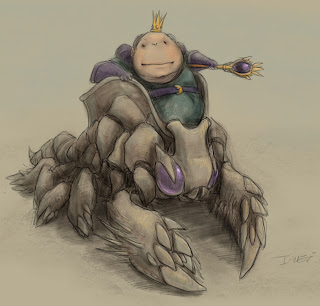
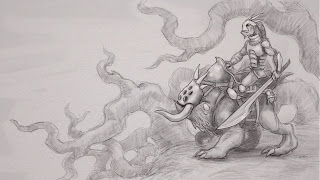


Overall, this is the best thing ever for the iPad. The pressure levels are just amazing, feels almost like a Cintiq (I will try to find some time to do a review on the Wacom Cintiq Companion soon). And with the Procreate combo, along with mods mentioned, this is one amazing mobile sketchpad!
So, should you get it? If you've already have an ipad 3,4, or mini, and love to draw, then you'll probably love this! if you have an Air or Retina Mini, and either don't care about low pressure levels, or you love to modify things, then it's a no-brainer.
Pros:
-Amazing pressure levels (except for low levels mentioned above)
-Comes with battery, case, and extra nibs
-Battery seems to be lasting forever
-Stylus is heavy for a Wacom, but somehow feels really nicely balanced. I don't find it heavy while drawing.
Cons:
-Need mods for low pressure levels for the iPad Air and Retina Mini
-The buttons are too easily triggered when pinch zooming
-Not too many apps support it. Some of the listed apps don't work, or are way laggy. Palm rejection doesn't work well, even on Wacom's own Bamboo Paper App.
 |
| Seeing through the circular tip |
And for the record, I did try the stock nib on the iPad 4th generation, and can confirm that the low pressure feel works great. And even with the lack of low pressure feel on the Air, I'd still recommend it for the Air.
One thing that I did forget to mention, is that there are 2 buttons on the stylus. For Procreate, they are for Undo and Redo. I did find that I hit the bottom button often by accident, while pinch zooming..... Strange, because I never do it on the Cintiq while pinch zooming, and the pen feels nicely balanced. I guess I'll probably get used to it with time.
 Supplies list in the video:
The palm rejection pads used are: Targus CleanVu Cleaning Pads
The disc tips are: Hex3 JaJa Percision Teflon Tips
The plastic thermal plastics are: Shapelock
And as promised, here are my pencils to use with Wacom Intuos Creative Stylus:
https://www.dropbox.com/s/x46ipovenmf6n5v/All%20purpose.brush
All Purpose is the one that I use the most. I spent way too much time tweaking with it, to make it look and feel like a pencil:
https://www.dropbox.com/s/mwia3vpv753gul3/Solid.brush
Solid is one that lacks texture, and looks more digital and clean. It's good in conjunction with All Purpose pencil as well, to punch up the details.
https://www.dropbox.com/s/m6v9yg9gu420bjy/Shading%20Graphite.brush
Shading Graphite is just a modified version of the stock. I've modified it slightly to make it feel more natural.
Procreate forums also has a lot of really great custom brushes here: http://procreate.si/forums/index.php?board=20.0 and has instructions on how to download/upload them. Try them, I've found a lot of great brushes there. Make sure that in the brush settings, that the Size/Opacity Limits in "General" are varied for Max and Min, since most of them are not made with pressure sensitivity in mind. If pressure levels feel weird, try changing the "Pressure" in the "Dynamics" tab. It's best when it's not 100%, but somewhere in the 75-95% range. Strangely enough, 100% feels too sensitive and hard to control the full range. Of course tune to your own taste :)
I was finally able to find some time over vacation break to do some sketches with this rig. It's funny, but after designing Skylanders characters for so long, it's hard to do something outside of my own style. Here are some Speed Drawings, some are very rough and loose, and some are tighter.... testing out this combo:

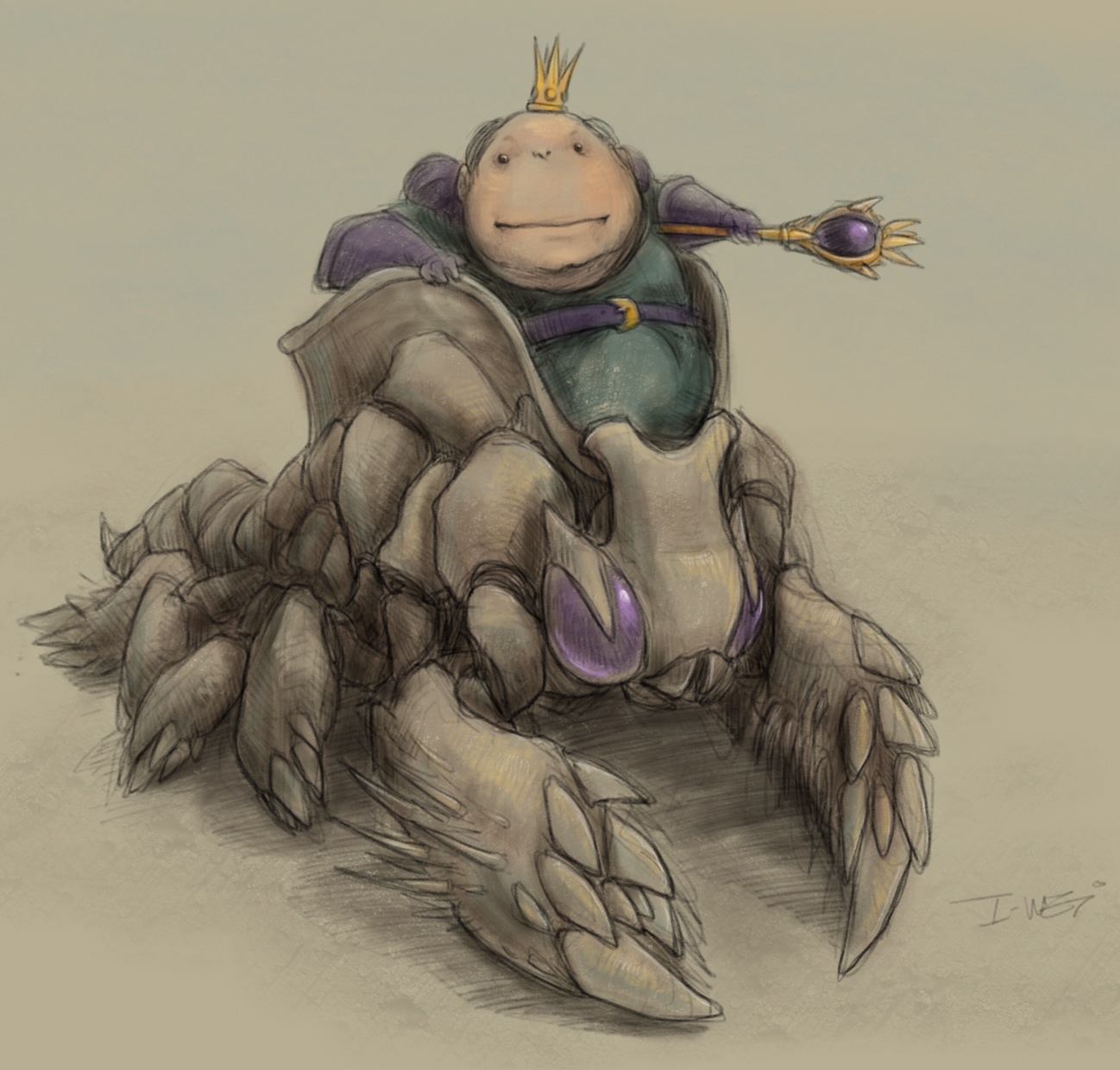
 |
| This is the only image here that were done with the stock nib, and using Sketchbook Pro instead of Procreate. Even lacking the low pressure levels and with the big nib, you can still get nice line weight and detail |


Overall, this is the best thing ever for the iPad. The pressure levels are just amazing, feels almost like a Cintiq (I will try to find some time to do a review on the Wacom Cintiq Companion soon). And with the Procreate combo, along with mods mentioned, this is one amazing mobile sketchpad!
So, should you get it? If you've already have an ipad 3,4, or mini, and love to draw, then you'll probably love this! if you have an Air or Retina Mini, and either don't care about low pressure levels, or you love to modify things, then it's a no-brainer.
Pros:
-Amazing pressure levels (except for low levels mentioned above)
-Comes with battery, case, and extra nibs
-Battery seems to be lasting forever
-Stylus is heavy for a Wacom, but somehow feels really nicely balanced. I don't find it heavy while drawing.
Cons:
-Need mods for low pressure levels for the iPad Air and Retina Mini
-The buttons are too easily triggered when pinch zooming
-Not too many apps support it. Some of the listed apps don't work, or are way laggy. Palm rejection doesn't work well, even on Wacom's own Bamboo Paper App.


